Starting and Exiting the CMWB
Follow these steps to start the CMWB:
-
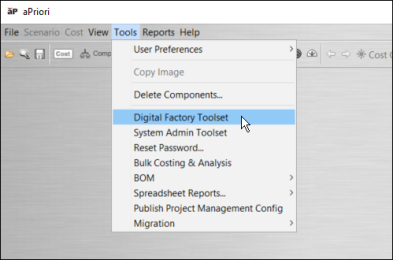
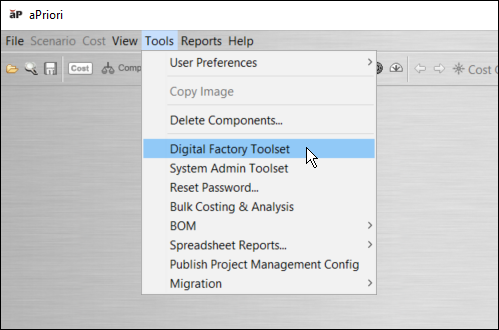
In aPriori Desktop, select Digital Factory Toolset from the Tools menu.
-
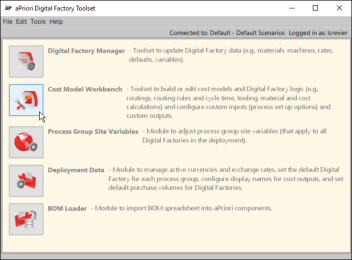
In the aPriori Digital Factory Toolset window, click the icon next to
-
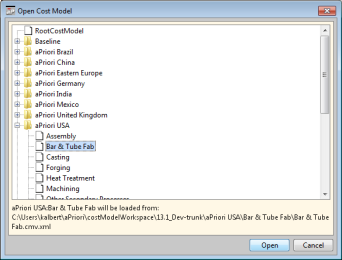
In the Open Cost Model dialog, expand the Digital Factory that contains the cost model you want to open, select the desired cost model, and click OK.
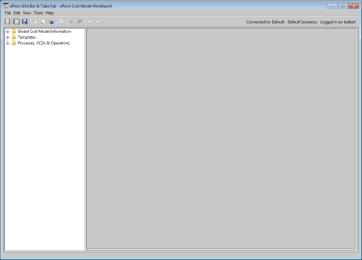
The CMWB window appears.


To exit the CMWB, select Exit from the File menu.